
How to Replace the Toner Cartridge in a Printer
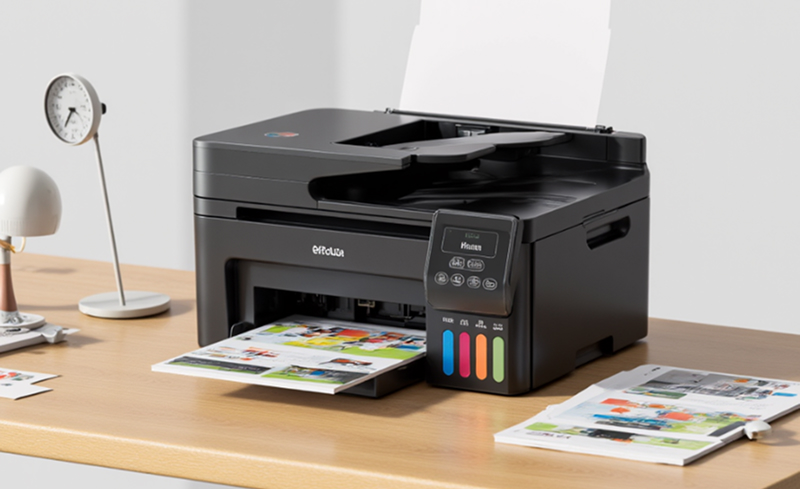
Specific steps to replace the printer toner cartridge are as follows:
1.Confirm your printer model and toner cartridge type to ensure you purchase the correct toner cartridge.
2.Prepare the new toner cartridge and necessary tools, such as gloves, tissues or rags, screwdrivers, etc.
3.Power off the printer, open the front or top cover, and take out the old toner cartridge. Be careful to prevent toner from spilling inside or around the printer.
4.For the new toner cartridge, check the protective seal and pull it off gently. Align the cartridge with the slot inside the printer and push it in slowly until you hear a click, which means the toner cartridge is securely installed.
5.After installing the toner cartridge, close the printer cover completely. Turn on the printer and perform a test print to verify whether the replacement is successful.
6.If the print quality is unsatisfactory, try reinstalling the toner cartridge or cleaning the printer print head.
Notes
The method of replacing the toner cartridge may vary for printers of different brands and models. Please refer to your printer manual for detailed operations.
In addition, avoid direct contact of toner with skin and clothing during replacement to prevent stains. Do not spill toner inside the printer, otherwise it will affect print quality and shorten the printer service life.